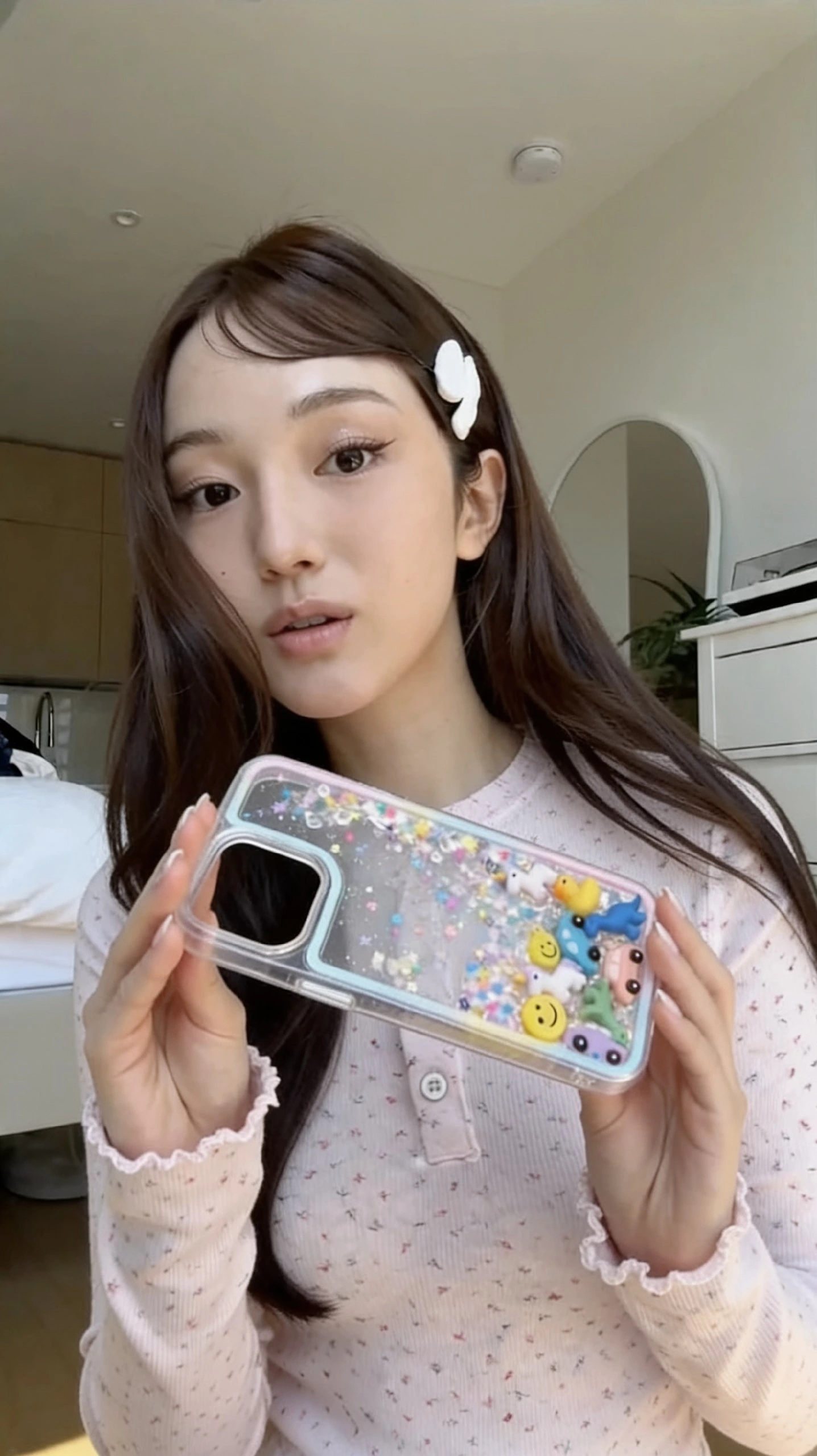
Explore more from a finished shoot
Before arranging another session, try a new take from an image you already have permission to use. Give the creator another option to consider without getting back in front of the camera.
A good creator photo can be the starting point for another. AI Retake generates a new image with changes to pose, angle, framing and natural details, while aiming to keep the subject and feel of the shoot familiar.
One image in · One generated image back · 8 AI credits
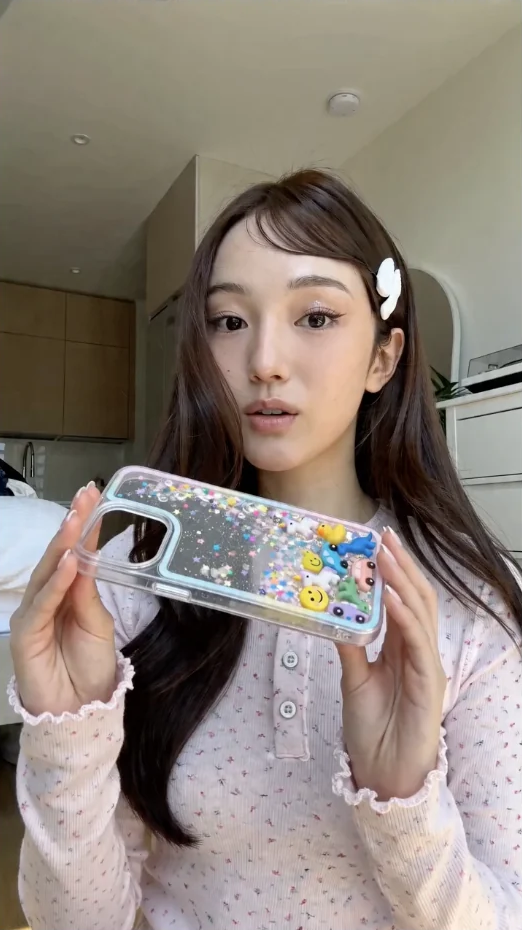
Before arranging another session, try a new take from an image you already have permission to use. Give the creator another option to consider without getting back in front of the camera.
AI Retake generates a new image. Pose, gaze, camera angle, framing and details such as hair or fabric can change—it is more than a crop, filter or metadata edit.
The aim is a recognisable subject, familiar setting and similar lighting—not a completely unrelated scene. Compare the new take with the original and keep only the results that fit the creator.
Choose an image you own or have permission to use. A clear face, visible hands and an unobstructed subject give you a better starting point.
Open AI Retake and upload one JPEG, PNG, WebP or HEIC image up to 20 MB. Send it as a file for the closest input quality. The retake uses 8 AI credits; there is no prompt or pose selector to configure.
Receive one generated image in Telegram. Check the face, hands, text, clothing and background against the original before deciding whether to use it.
Start with a clear photo from the existing content library and see whether a new take gives you something else to work with between sessions.
Bring an alternative pose or composition to a creator’s content review. Keep the original alongside it so the creator can judge the likeness, details and overall feel.
Start with 40 free AI credits. Monthly AI allowances are included with Core and Pro.
✦8 per completed retakeCompare plans and see pricesResults vary with the reference image. Spoofzy does not promise an identical face, exact pose, perfect realism or platform performance.
No. The current Telegram flow starts from your uploaded image and generates a new take automatically. It can change pose, angle, framing and natural details, but does not offer custom prompt controls or an exact-pose selector.
AI Retake is image-only. Upload one JPEG, PNG, WebP or HEIC image up to 20 MB that you own or have permission to use. Send it as a Telegram file for the closest input quality. Each completed retake returns one generated image.
Each completed retake costs 8 AI credits. Credits are reserved when processing starts and returned if it fails. Generating another take is a separate 8-credit run, not a free revision.
Not always. AI Retake aims to keep the subject recognisable and the shoot familiar, but it is generative and details can change. Check likeness, anatomy, hands, readable text and clothing before use. Keep the creator’s approval in your process; no result guarantees how a platform or detector will classify it.
Choose one authorised creator image, generate a new take in Telegram and decide whether it earns a place alongside the original.